Custom Content Structures
We configure content types and custom fields around your real content, not a generic blog template stretched to fit.




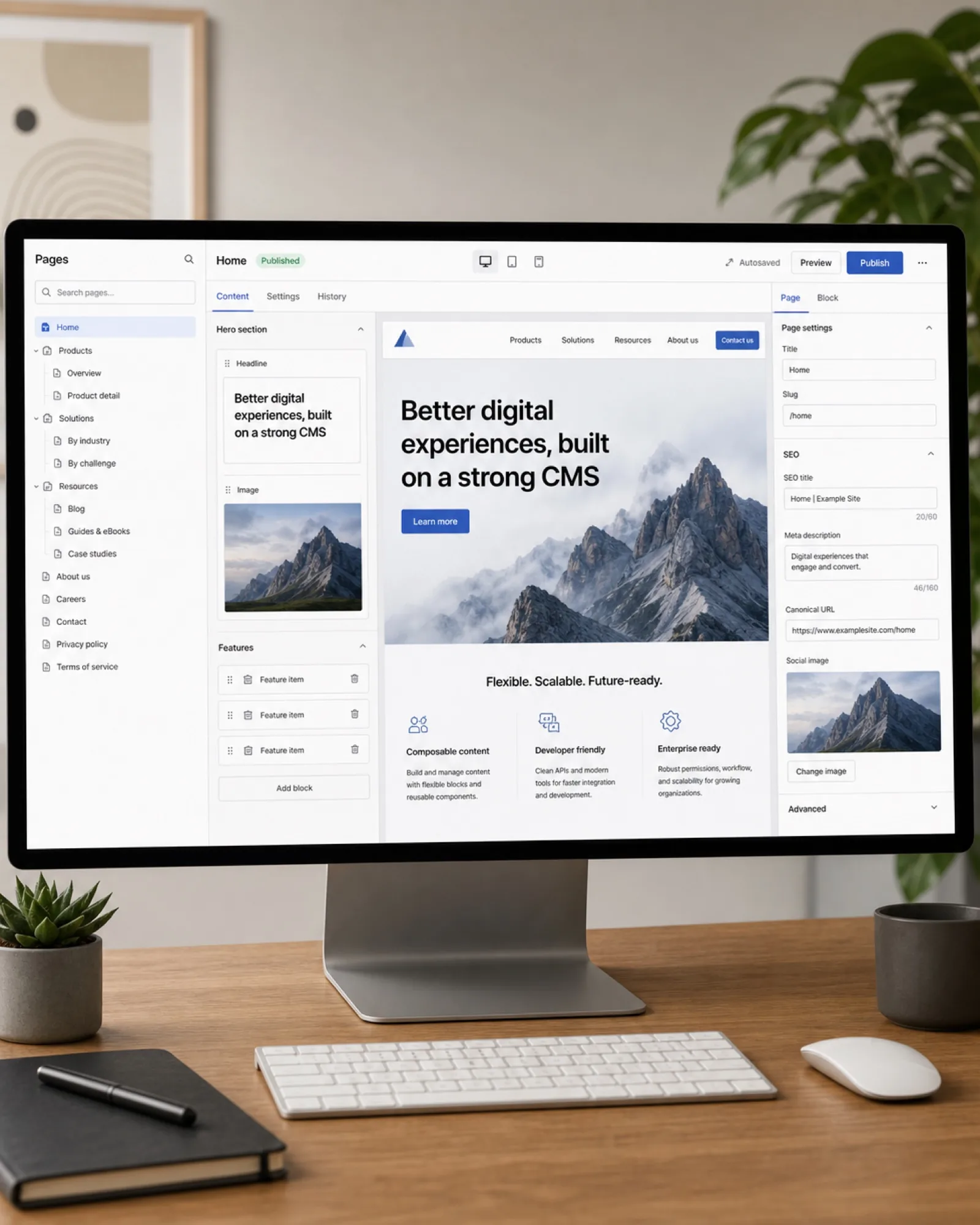
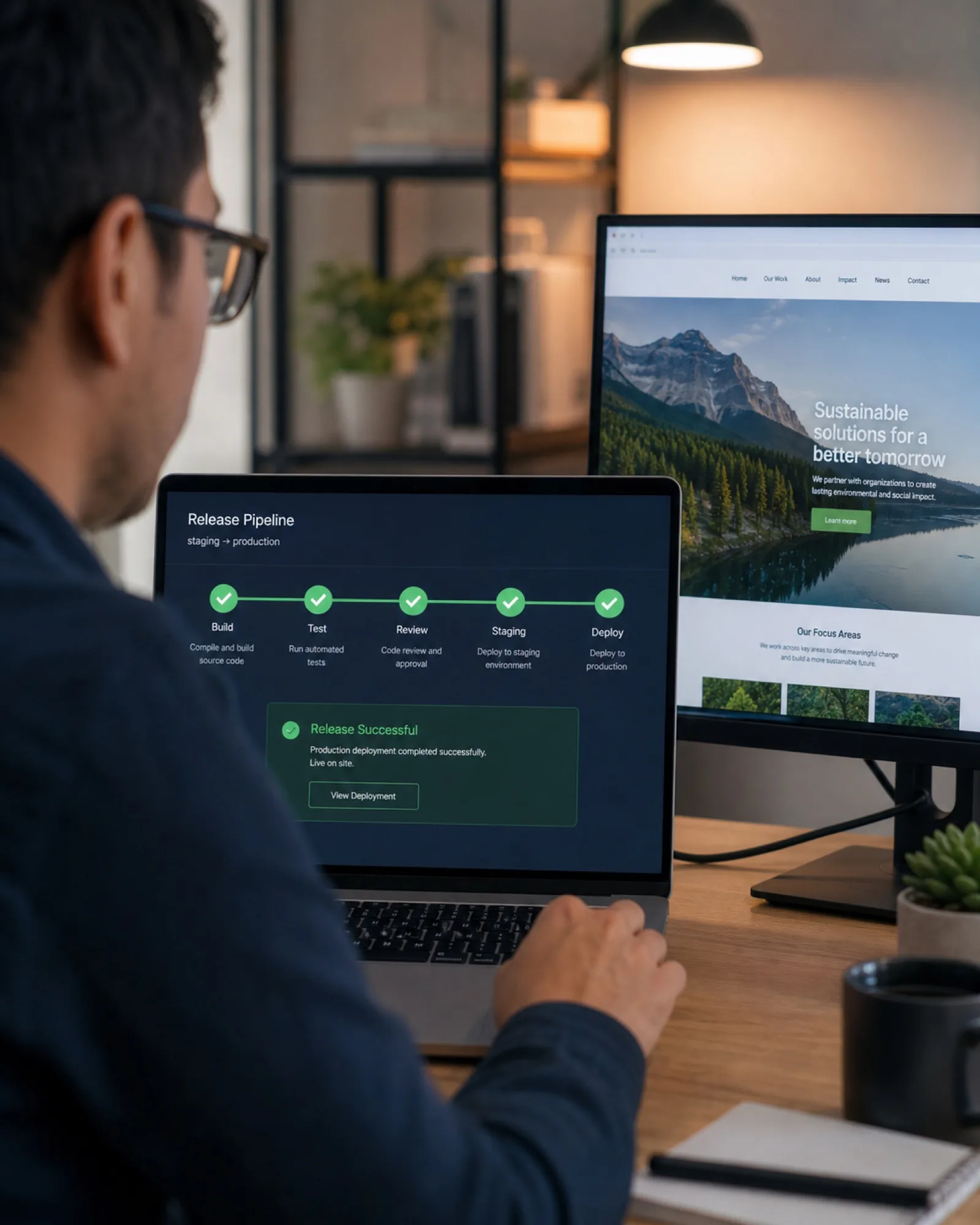
We set up and customize CMS platforms around how your team actually publishes — clear content structures, custom fields for the content types you manage, and editor roles that keep control where it belongs.

We configure content types and custom fields around your real content, not a generic blog template stretched to fit.

Whether you need a traditional CMS like WordPress or a headless setup powering multiple front ends, we architect the right fit for your team and roadmap.

We build content editing experiences your team can actually use without training on code — clear fields, sensible defaults, no guesswork.

Hardened installations, regular update practices and access controls keep your CMS secure against the vulnerabilities that plague poorly maintained sites.
When off-the-shelf plugins don't fit, we build custom functionality that integrates cleanly with your CMS core instead of hacking around it.

Moving from an old CMS or static site? We migrate content, preserve SEO value and minimize downtime during the switch.
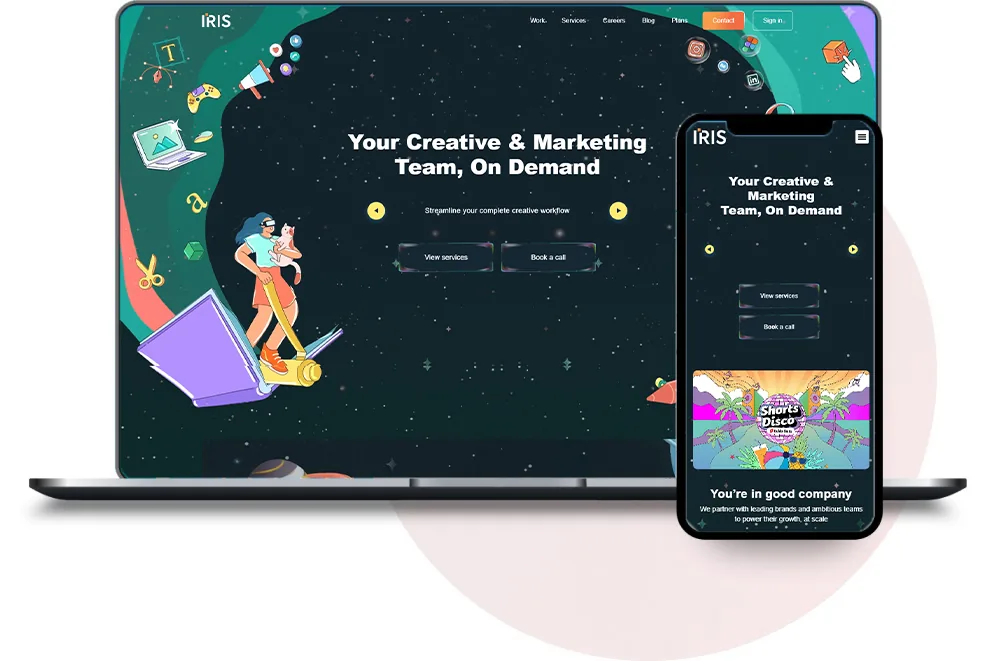
Iris Creatives, a MENA Creative Award-winning agency, needed a CMS their team could manage independently. We built a flexible content structure powering their "Service Selector" tool and ongoing brand storytelling.
Read Full Case Study

We review your existing content and future needs to design a content model that actually fits what you publish.
We configure the platform, custom fields, templates and editor roles around your content structure and team workflow.
Existing content is migrated with SEO-safe redirects, and the CMS is connected to any other systems it needs to work with.

We walk your team through the finished setup so they can publish and manage content confidently from day one.
Matched to your real content structure, not generic default fields you have to work around.
Your team can publish and update content independently, without touching code.
Configured with regular update and hardening practices from day one.
Existing content and search rankings preserved when moving to the new structure.
Built where the CMS's defaults don't cover what your site actually needs.
Different access levels for different members of your content team.
Your team walked through the actual publishing workflow, not just handed a manual.
Available after launch as your content needs and structure evolve.
Standard CMS setup with a handful of content types and templates.
Custom content structures, migrations and headless CMS setups.
Common questions about choosing a CMS, migrations and editor training.
It depends on your team's technical comfort, content complexity and whether you need a single website or content powering multiple channels. WordPress suits most standard sites; headless CMS fits teams needing content across web, app and other platforms.
Yes. We migrate content with proper 301 redirects, preserved URL structures where possible, and metadata carried over, to protect your existing search rankings.
We include hands-on training as part of every CMS project, so your team can publish and manage content confidently without needing a developer for routine updates.
Yes, including plugin and core updates, security monitoring and custom feature requests as your content needs evolve.
Get valuable consultation from our professionals to discuss your project. We are here to help you with all of your queries.