Material Design Interfaces
UI built to Google's Material Design principles, so navigation and interactions feel familiar to Android users from the first tap.





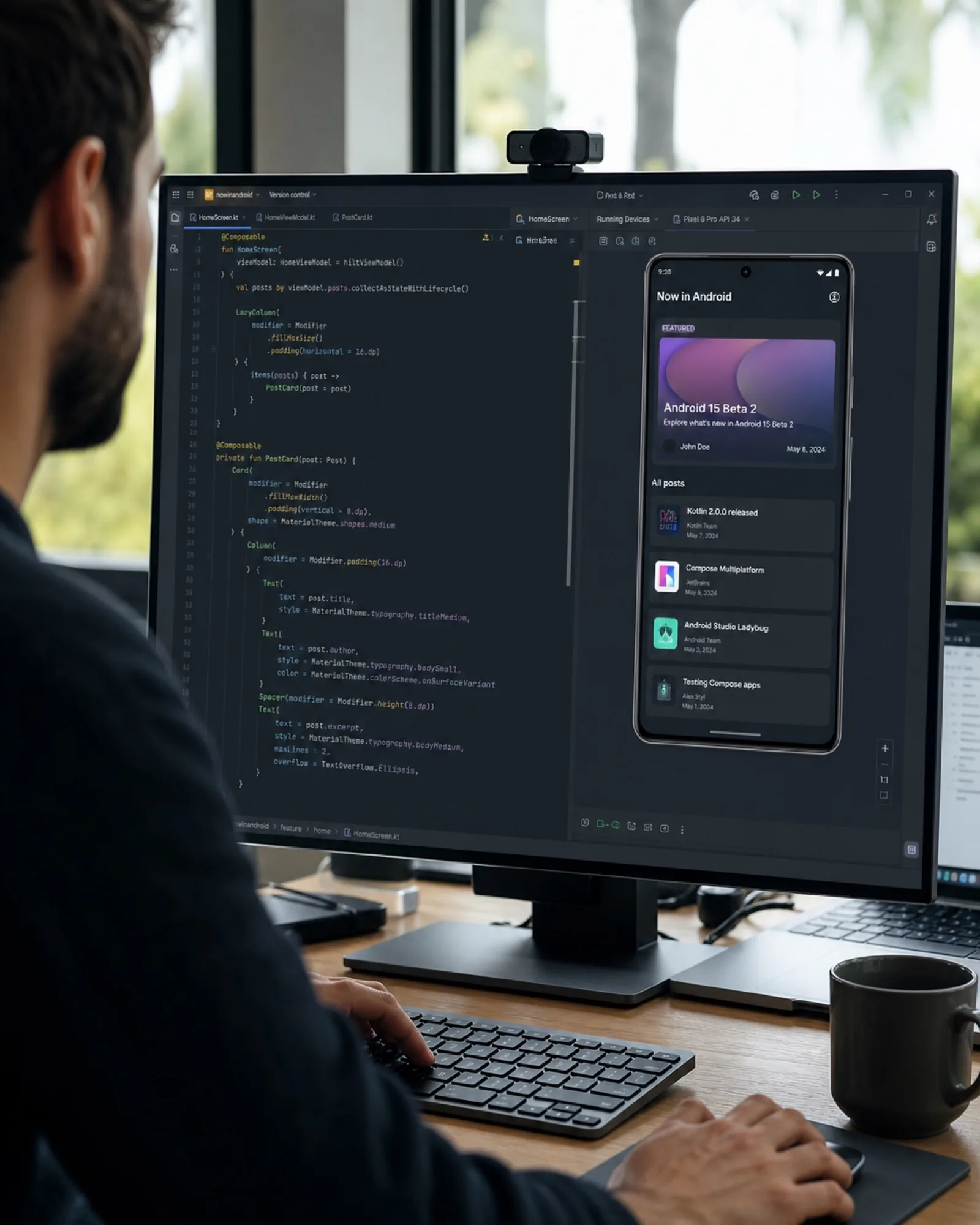
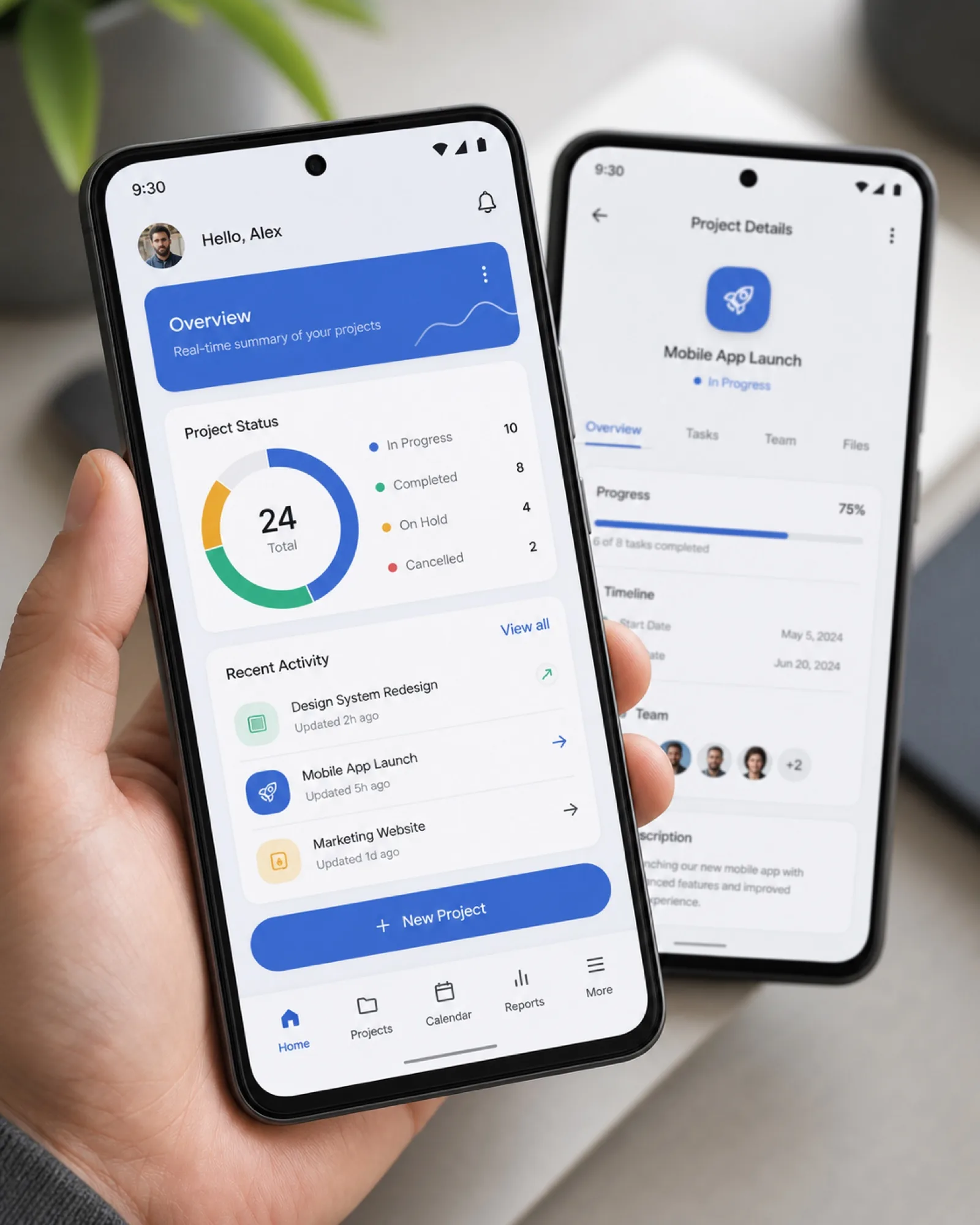
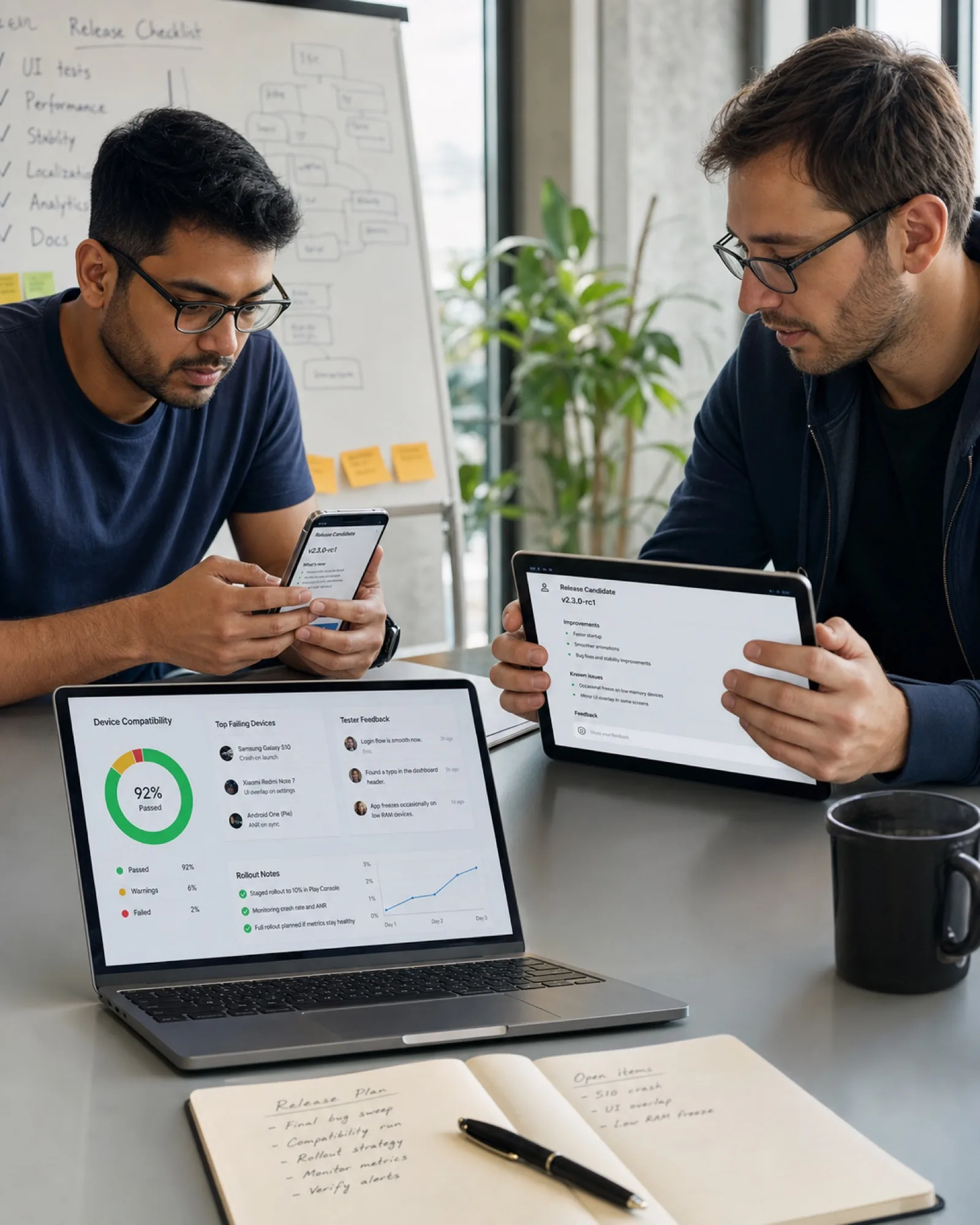
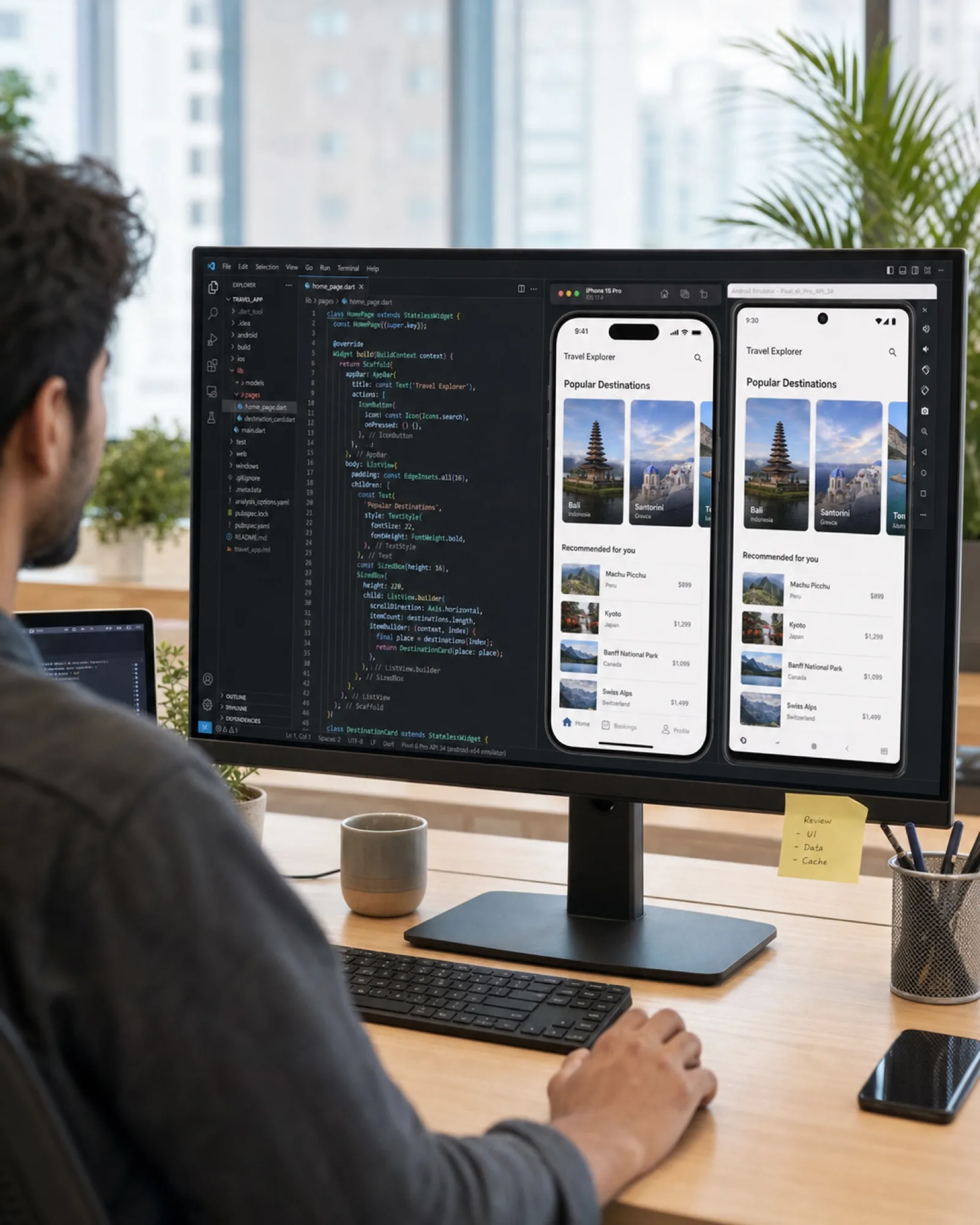
Android means variety — screen sizes, OS versions, manufacturers. We build with Material Design principles and test across real Android devices rather than a single reference phone, so the app performs consistently for the range of users who'll actually install it.

UI built to Google's Material Design principles, so navigation and interactions feel familiar to Android users from the first tap.

Android runs on a huge range of hardware. We test across screen sizes and OS versions so performance doesn't fall apart outside one reference device.

Built with Kotlin and Jetpack Compose for performance and long-term maintainability, following Google's current development standards.
We test across a range of screen sizes, manufacturers and Android versions, not just a single flagship device.

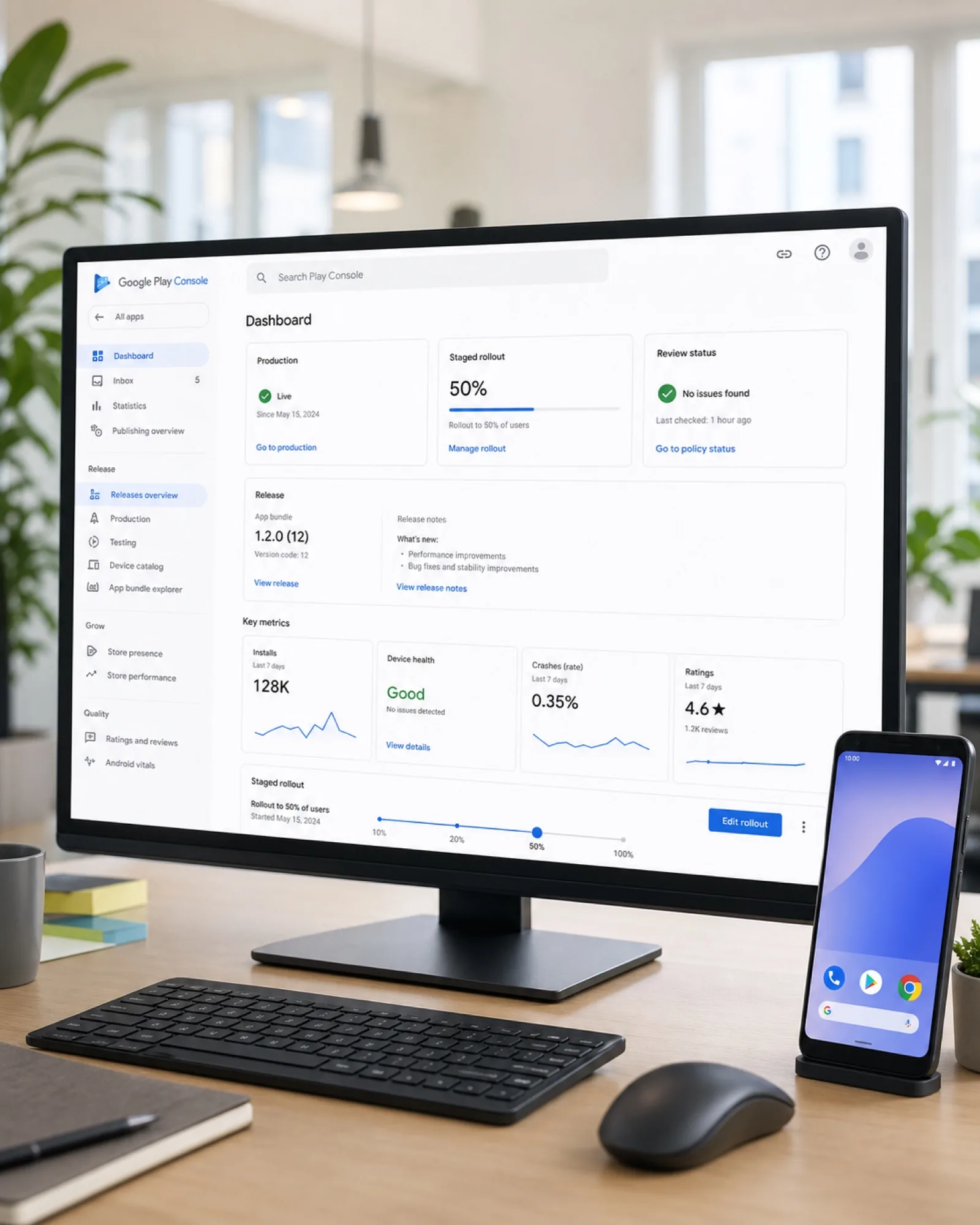
We manage Play Console setup, listing assets and policy compliance so your launch isn't held up by avoidable rejections.

Secure authentication and encrypted data handling built in from the start, in line with Google Play's data safety requirements.
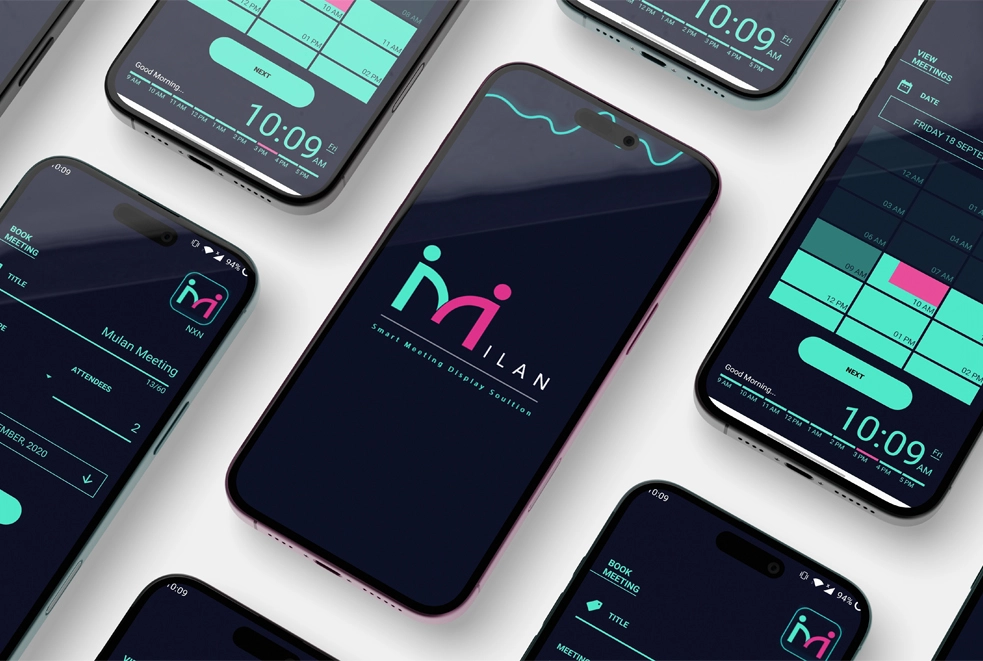
MILAN is a meeting management app designed specifically for Android phones and Android-powered smart TV displays outside conference rooms. We built a clean, responsive interface for fast navigation and real-time room availability across both form factors.
Read Full Case Study

We map user flows and design screens around Google's Material Design principles before development starts.
Built with Kotlin and Jetpack Compose, with regular builds you can install and test on your own Android device.

We test across a spread of screen sizes, manufacturers and OS versions to catch issues a single test device would miss.
We handle Play Console setup and submission, then support you through Google's review process and launch.
UI built to Google's Material Design principles, so navigation feels familiar to Android users.
Verified across screen sizes, manufacturers and Android versions, not just a single flagship phone.
Secure Firebase Cloud Messaging integration wired into your backend and ready to use.
Modern authentication with encrypted session handling to protect user accounts and data.
Full account configuration, listing copy and screenshots prepared ahead of submission.
We submit and manage Google's review process end-to-end, including any resubmissions.
Beta builds distributed through Play Console for real-world testing before public launch.
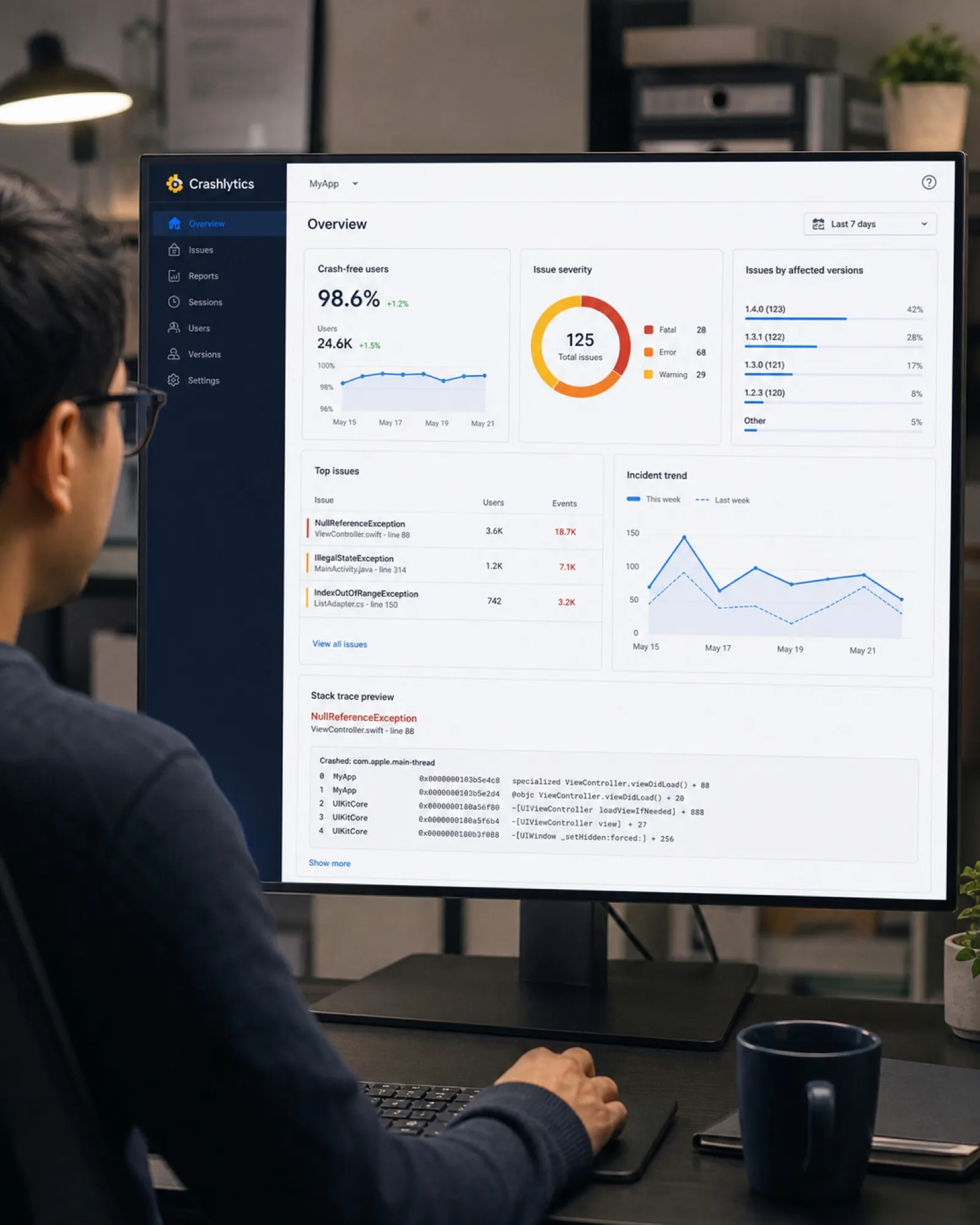
Crash tracking and iterative updates once your app is live on the Play Store.
A focused Android app with a defined feature set, ready for Play Store submission.
Apps with custom backends, integrations or advanced functionality beyond a standard build.




Common questions about building and launching an Android app.
We test across a range of screen sizes, manufacturers and Android OS versions rather than a single reference device, so the app holds up for the actual mix of phones your users have.
Yes. We set up Play Console, prepare listing assets and ensure policy compliance, then submit and support you through Google's review process until the app is live.
This page covers native Android development using Kotlin, which gives the best performance and closest fit to Android's platform conventions. If you need one codebase covering iOS and Android, see our Cross-Platform Apps service instead.
Yes. We take on existing Android apps for bug fixes, OS compatibility updates and new features — see our App Maintenance service for details.
Get valuable consultation from our professionals to discuss your project. We are here to help you with all of your queries.